Please note: There are affiliate links in this post.
STEAM/STREAM: Making Learning Fun and Engaging for Young Kids
In recent years, STEAM (Science, Technology, Engineering, Art, and Mathematics) and STREAM (Science, Technology, Reading, Art, and Mathematics) have become essential components in classrooms across the country. Schools are embracing these interdisciplinary learning approaches, and educators are increasingly finding ways to weave these concepts into cross-curricular, hands-on lessons.
A STREAM lesson means that multiple, or all, of these subjects are integrated into a single class. Instead of focusing on one subject at a time, students interact with the different elements simultaneously, creating a richer, more connected learning experience. And the best part? These lessons are not just informative; they’re fun, creative, and often quite hands-on!
An Example of a STREAM Lesson:
Here’s an example of what a STREAM lesson could look like:
Today, your 4th graders will begin an exciting project where they will choose an Arctic animal to research and design a habitat for. They’ll start by selecting their animal and researching its characteristics, behaviors, and environment. With this knowledge, they’ll apply math skills to sketch a detailed habitat diorama and plan out the supplies needed. The project will follow the engineering design process as they gather materials and build their models. Finally, students will use their art skills to add color and creative details to bring their diorama to life. This project integrates all aspects of STEAM—Science, Technology, Reading, Engineering, Art, and Math—and encourages critical thinking, problem-solving, and creativity.
Teaching Coding to Younger Students: A Challenge and Opportunity
As a STEAM teacher at a Christian private school, I’m always looking for new ways to engage my students with coding while integrate Christian principles and biblical concepts. Introducing coding concepts to younger children, especially in Kindergarten through 2nd grade (ages 5-7), can be tricky. But it’s so rewarding when you can make it fun, accessible, and interactive.
At this stage, coding doesn’t need to involve complex programming languages. Instead, I focus on building a strong foundation in logical thinking and problem-solving. It’s about helping young students understand how to break down tasks into smaller, manageable steps, and that’s where the magic of unplugged coding comes in.
If you’re wondering how to introduce coding to little ones in a way that feels like play (not work!), here are some of my favorite tips and ideas.
Starting with Stories: A Fun, Relatable Introduction to Coding
One of the easiest and most enjoyable ways to introduce coding concepts to young kids is through storytelling. Kids love stories, and they’re a great way to introduce the basic principles of coding, like sequencing and patterns. Here are a few of my all-time favorite books that I use to introduce STEAM concepts, including coding:
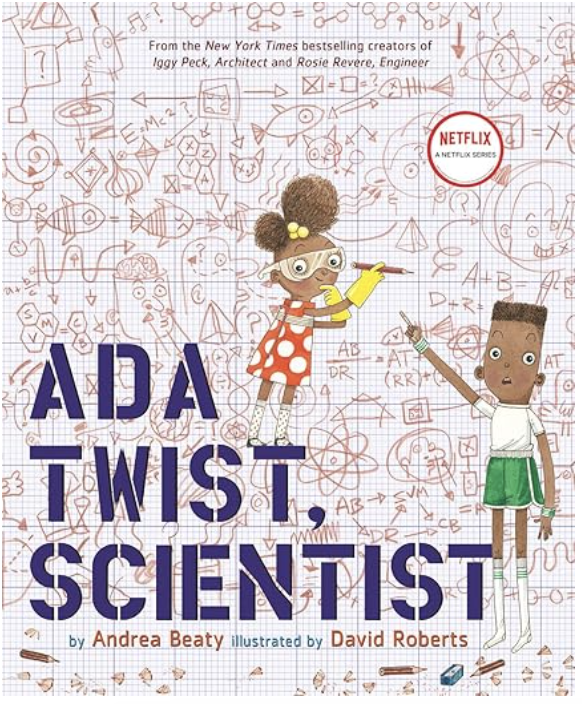 Ada Twist, Scientist by Andrea Beaty
This delightful book taps into a child’s natural curiosity about science. Ada’s problem-solving adventures teach kids that questions and curiosity are at the heart of scientific inquiry. The Most Magnificent Thing by Ashley Spires
This book encourages kids to think creatively and develop a “tinkering” mindset. It’s all about building, testing, and tweaking—a perfect introduction to the engineering design process.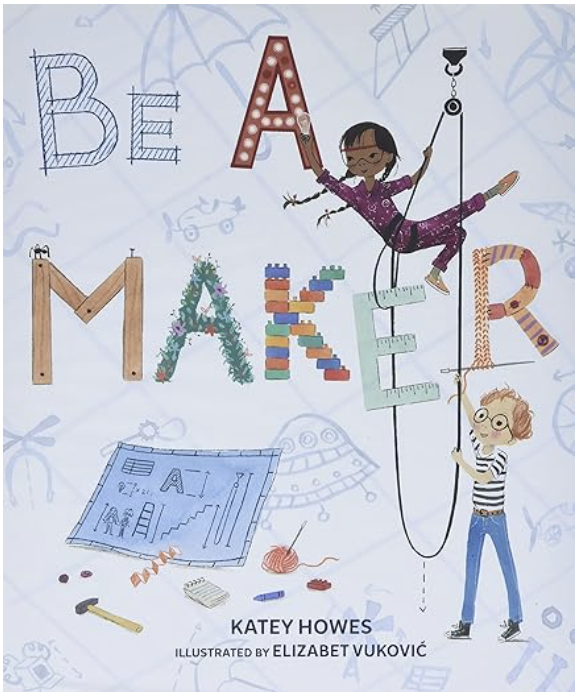 Be a Maker by Katey Howes
Another great choice for sparking creativity. This book is all about using a variety of tools and thinking outside the box—ideal for those first lessons in coding and design thinking.
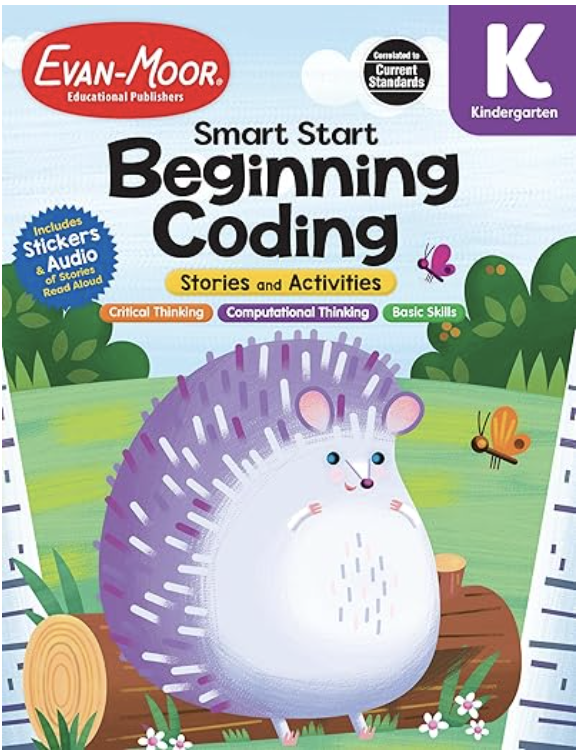
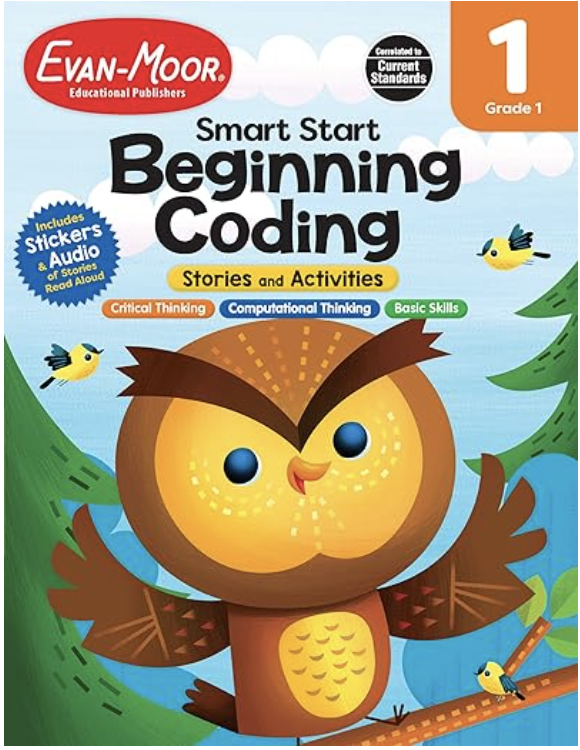
You can also find great early coding books like Beginning Coding for Kindergarten and First Grade, which make it easy to present coding in a simple, fun way.
Moving to the Tables: Hands-On Learning with Robots
Once we’ve read through our story and explored the concept, we move to the hands-on activities. In my classroom, we transition to stations, where students work in groups or individually. For my younger students, I start with simpler coding tools, including unplugged coding games (which I’ll share with you later in this post).
But eventually, I want my students to experience real coding tools, and that’s where robots come in. Robots make coding tangible, fun, and interactive. Two of our favorite robots are:
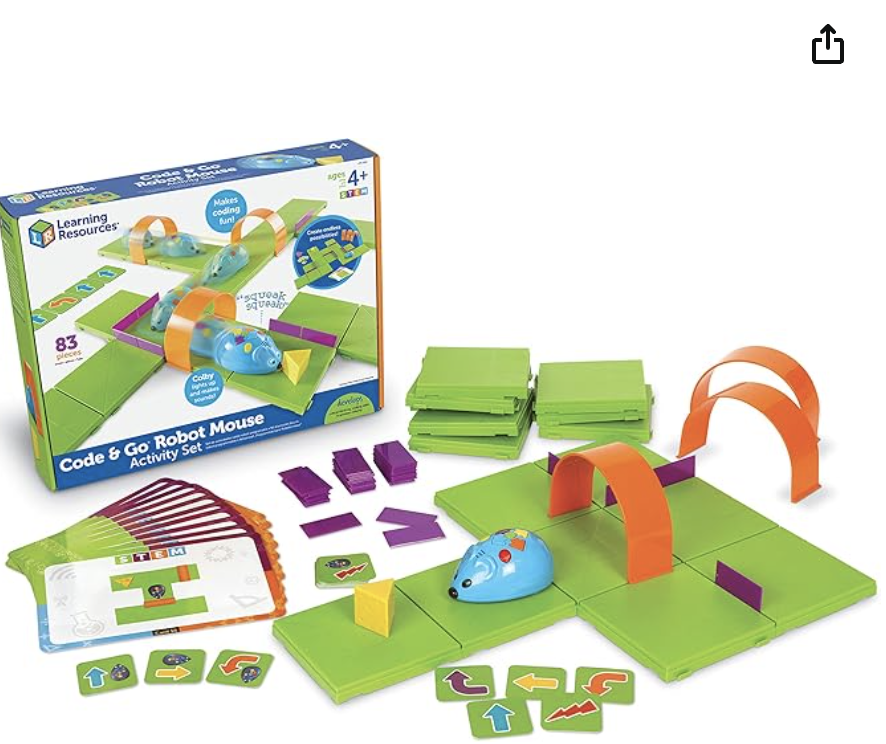 Learning Resources Code & Go Mouse
Jack, my students named him, is a cute mouse with arrows on his back. Students can press the arrows to program Jack’s movements, and then watch him follow their algorithm. It’s a fantastic introduction to sequences and patterns in coding. My students particularly love pressing the “random” button, which inserts surprise movements into their algorithm—always a crowd-pleaser!Check out Jack here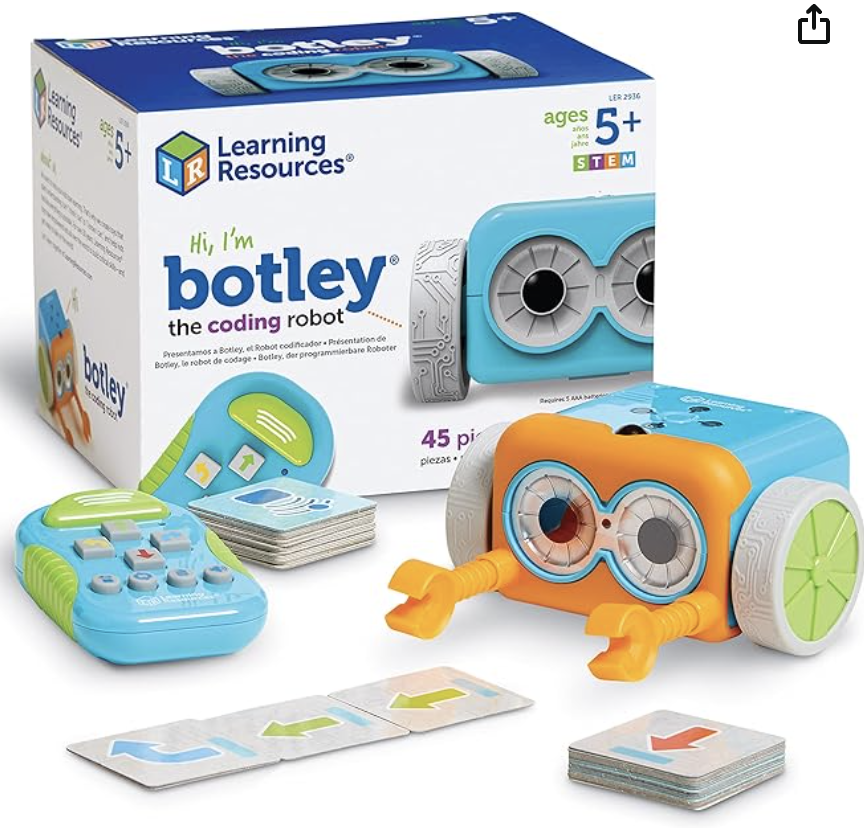 Botley the Coding Robot
Botley comes with a remote control, allowing students to program him to move around obstacles. The added fun of Botley sneezing and making noises gets lots of giggles from the kids. They often say, “Bless you, Botley!” which is adorable. Botley is great for teaching basic sequencing and algorithmic thinking.Botley Link Here
The Power of Unplugged Coding
While the robots are a hit, I’ve noticed that kids sometimes struggle with fully developing their algorithms when they’re caught up in the excitement of the robots. That’s why I always make sure to incorporate some unplugged coding into our lessons. These activities help reinforce the concepts of sequencing, patterns, and problem-solving without the need for screens or gadgets.
One of my go-to unplugged activities is a coding maze, where students draw paths and use symbols to create simple programs to solve the maze. It’s a low-tech way to develop key coding skills!
A Fun, Unplugged Coding Adventure: The Toxic Waste Challenge
One of my students’ favorite unplugged lessons is the Toxic Waste Challenge. In this simple but engaging activity, students must transport “toxic waste” across an obstacle-filled course to safety. The goal is for students to create an algorithm that guides the waste safely through the maze (without running into obstacles!).
This activity is a hit with students of all ages and can be modified for different grade levels, making it perfect for homeschoolers too. I’ve even included it in STEAM events where students of various ages (5-10 years old) have a blast without realizing they’re learning valuable coding skills.

Download the Toxic Waste Challenge Here and let your students embark on their own coding adventure!
Wrapping Up: Building the Foundation for Future Coders
Incorporating coding into your K-2 classroom is not only fun but essential for building problem-solving and critical thinking skills. By blending stories, hands-on learning, and unplugged coding, you can introduce young learners to the world of coding in a way that feels playful, engaging, and natural.
Looking for more fun, creative STEAM lessons? Subscribe for more Christian-integrated, crafty activities that will help your little ones grow in their love for learning!
Want to Stay Updated?
Make sure to subscribe to our newsletter for more STEAM ideas, creative lesson plans, and fun activities that will help you bring coding to your classroom in exciting ways!

 Red Tree Blog
Leave a comment